 CHOICER
Voice over game // dubbing in the browser
Voice over game dub real scenes in your browser
A voice dubbing game with nothing to install: pick a scene from the Dub Packs, perform each line over the muted video, and hear your own voice acting in the finished scene.
Every scene is a community-made Dub Pack for The Choicer Voicer, republished here with credit: the video, the script with every line, the character for each line, and the original timing. You record against the picture, so the game is about delivery: hitting the entry, keeping the pace, and matching the energy of the line.
Two ways to play: the Dub Packs below are the full voice over game with video, preview, and export. The three-round warm-up on the home page is the quick version — audio only, no scene, one reference line at a time.
Independent fan project. Not affiliated with The Choicer Voicer, GameBanana, or the studios that own the scenes. Copyright & takedown.
Scenes to dub right now
Most-played packs for this language first. The full catalog has 40 scenes.
-
 English
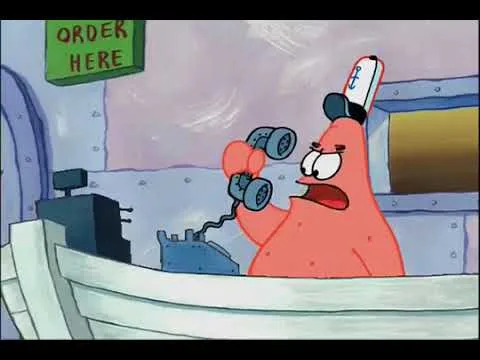
Spongebob Squarepants - Is this the Krusty Krab
by canded
English
Spongebob Squarepants - Is this the Krusty Krab
by canded
-
 English
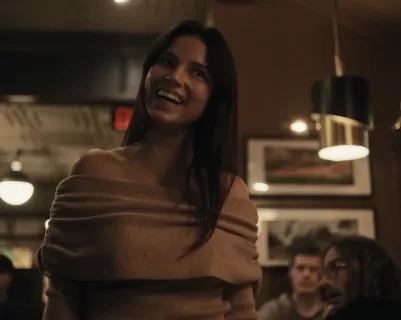
Obsession - Diner Scene
by Pothas
English
Obsession - Diner Scene
by Pothas
-
 English
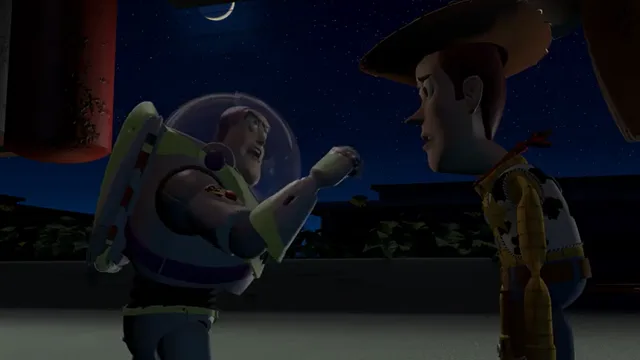
Woody and Buzz Argue
by Sticks456546
English
Woody and Buzz Argue
by Sticks456546
-
 English
Shrek 1 - Muffin Man
by GridderPot
English
Shrek 1 - Muffin Man
by GridderPot
-
 English
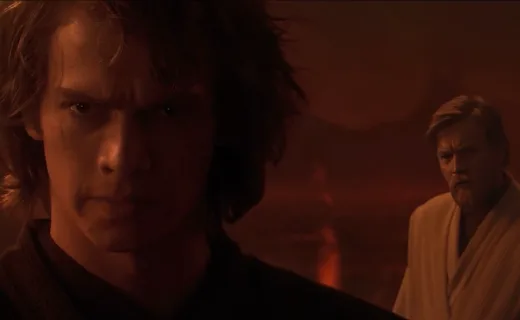
Star Wars - You Turned Her Against Me
by Pothas
English
Star Wars - You Turned Her Against Me
by Pothas
-
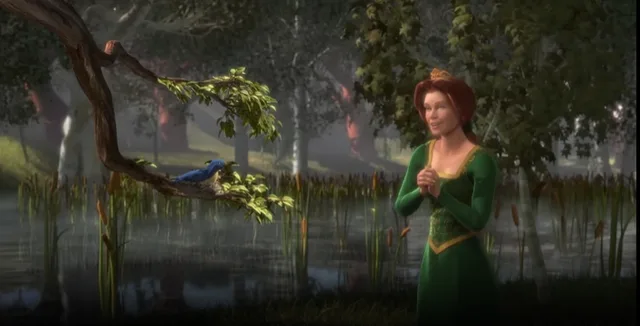 English
Shrek 1 - Fiona sings to bird
by rootsdarling
English
Shrek 1 - Fiona sings to bird
by rootsdarling
-
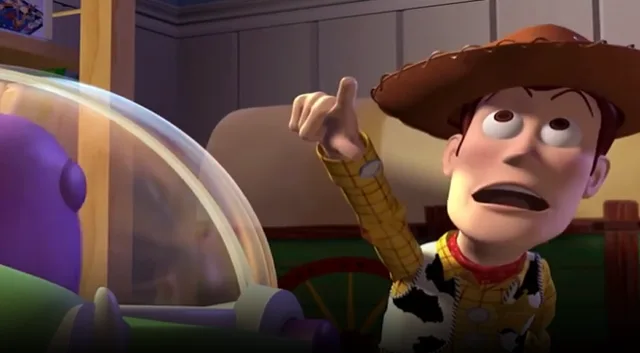 English
Toy story - Look an alien
by rootsdarling
English
Toy story - Look an alien
by rootsdarling
-
 English
Toji VS Gojo
by Squidge
English
Toji VS Gojo
by Squidge
-
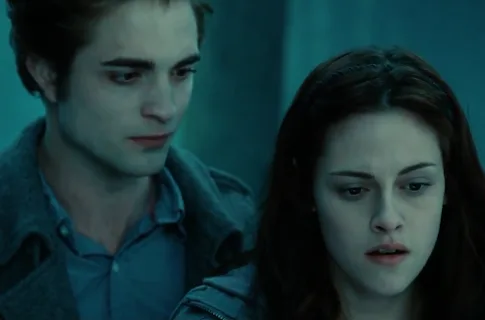 English
Twilight - I Know What You Are
by Pothas
English
Twilight - I Know What You Are
by Pothas
How the voice over game works
- Pick a scene. Cartoons, movies, anime, and memes in several languages. The pack page shows the script, the characters, and the line count before you start.
- Record each line. Press Record, wait for the short countdown, and perform while the video plays muted. Recording stops on its own shortly after the original line ends.
- Read the score. The pink waveform is your take over the cyan original. Rhythm, duration, and energy are compared locally — no AI, no word recognition, no upload.
- Preview and export. Play the whole scene with your lines mixed in, then export a WebM video in browsers that support it and share the file.
What the free voice acting game includes
Who plays a voice dubbing game
Prefer a quick round without video? Try the three-round voice imitation challenge · Playing with friends? How to dub together
Voice over game FAQ
Is the voice over game free?
Yes. Recording, scoring, preview, and export run in your browser without an account or payment.
Do I need to download anything or install an app?
No. Open a scene in a current version of Chrome, Edge, Firefox, or Safari and allow the microphone when asked. There is no installer and no app store app.
Does it work on a phone?
Recording and scoring work in current mobile browsers. Video export is only shown where the browser supports capturing the scene; otherwise you can still download each take as audio.
How is my dubbing scored?
A local comparison of rhythm, duration, and energy against the original line, shown as a 0–100 score with five judge lights. It does not recognize words, identify your voice, or use AI.
Can I upload my own movie scene?
Not on this site. Scenes come from community Dub Packs published on GameBanana for The Choicer Voicer. Ask for a scene in the guestbook.
Is this the official Choicer Voicer?
No. This is an independent, unofficial fan project and is not affiliated with the original game or its creators.